Bluetext at 2Hero
An inspirational platform for enterprise development.
Bluetext is a platform that accelerates the development and deployment of enterprise-grade distributed systems. Enterprise software introduces constraints that generic AI tooling does not account for: scale, regulation, security audits, and integrations with slow-moving systems. Without those constraints enforced, AI output does not satisfy enterprise requirements. Bluetext provides the guardrails for AI agents to operate within them.
In Bluetext, users add services that originate from templates and group them into run-specs that simulate how the services run in production. They then apply blueprints, the platform's versioned configuration commands, to set up features on those services — such as role-based access control, a new API endpoint, or a database connection. Each blueprint declares its prerequisites and the services it affects, so blueprints compose safely whether run by an AI agent or by hand.
Locally, Bluetext replicates production environments via k3d, including registry mirrors, service mesh, and production-grade secret handling, so local development matches the production target. Deployments push to Bluetext cloud or a customer's own infrastructure. The platform consists of a Rust CLI and a React + TypeScript control plane. A separate VS Code extension uses MCP to scaffold service templates within the editor.
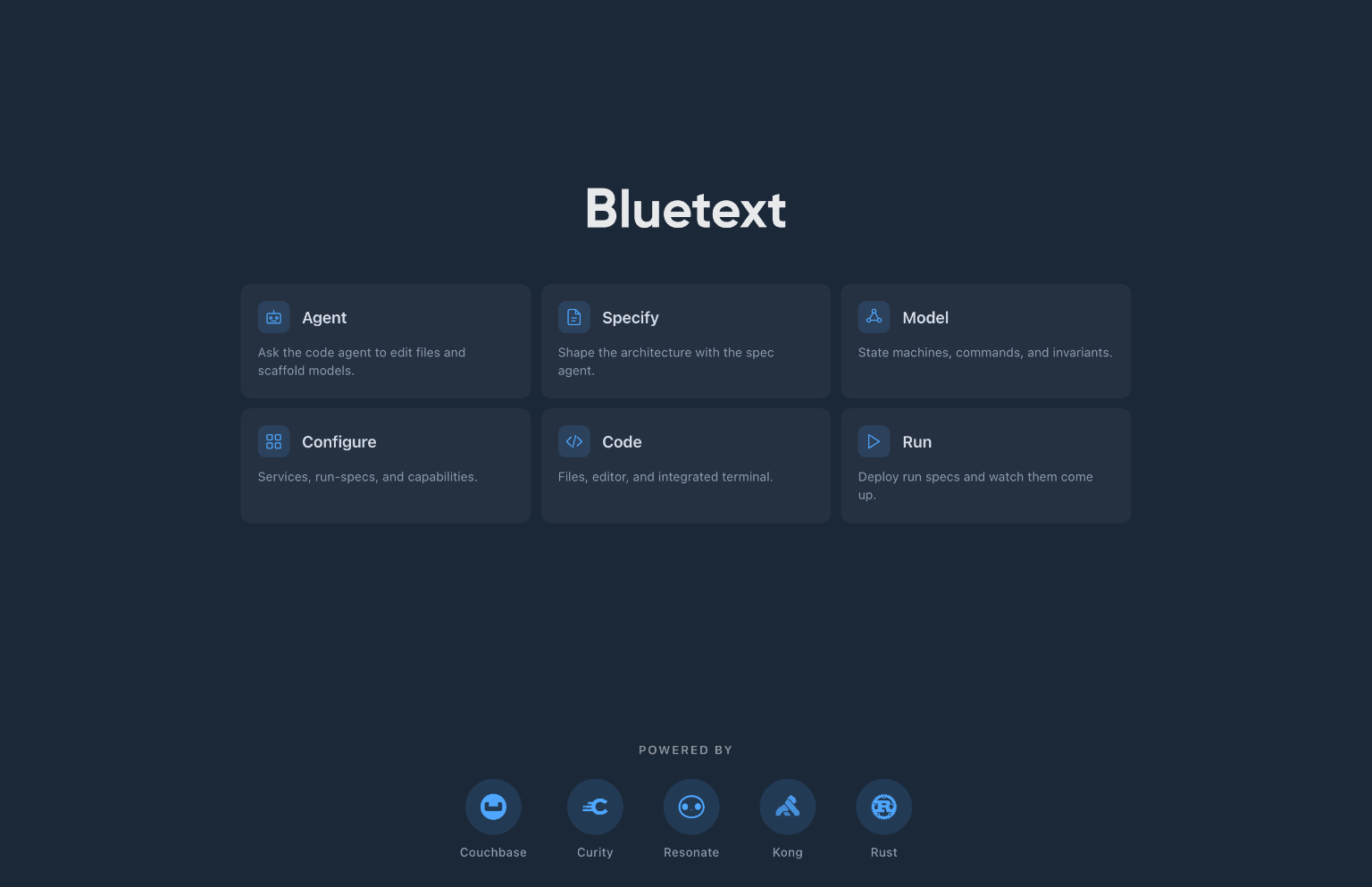
An editor for systems.
The React + TypeScript control plane gives users a single workspace for the services in their system. The side panels show services and run-specs in parallel, recent task history is always visible, and an agent composer at the bottom lets users kick off the next piece of work. Service-detail panels expose secrets, connection profiles, and clusters in dedicated sections so config changes stay reviewable.
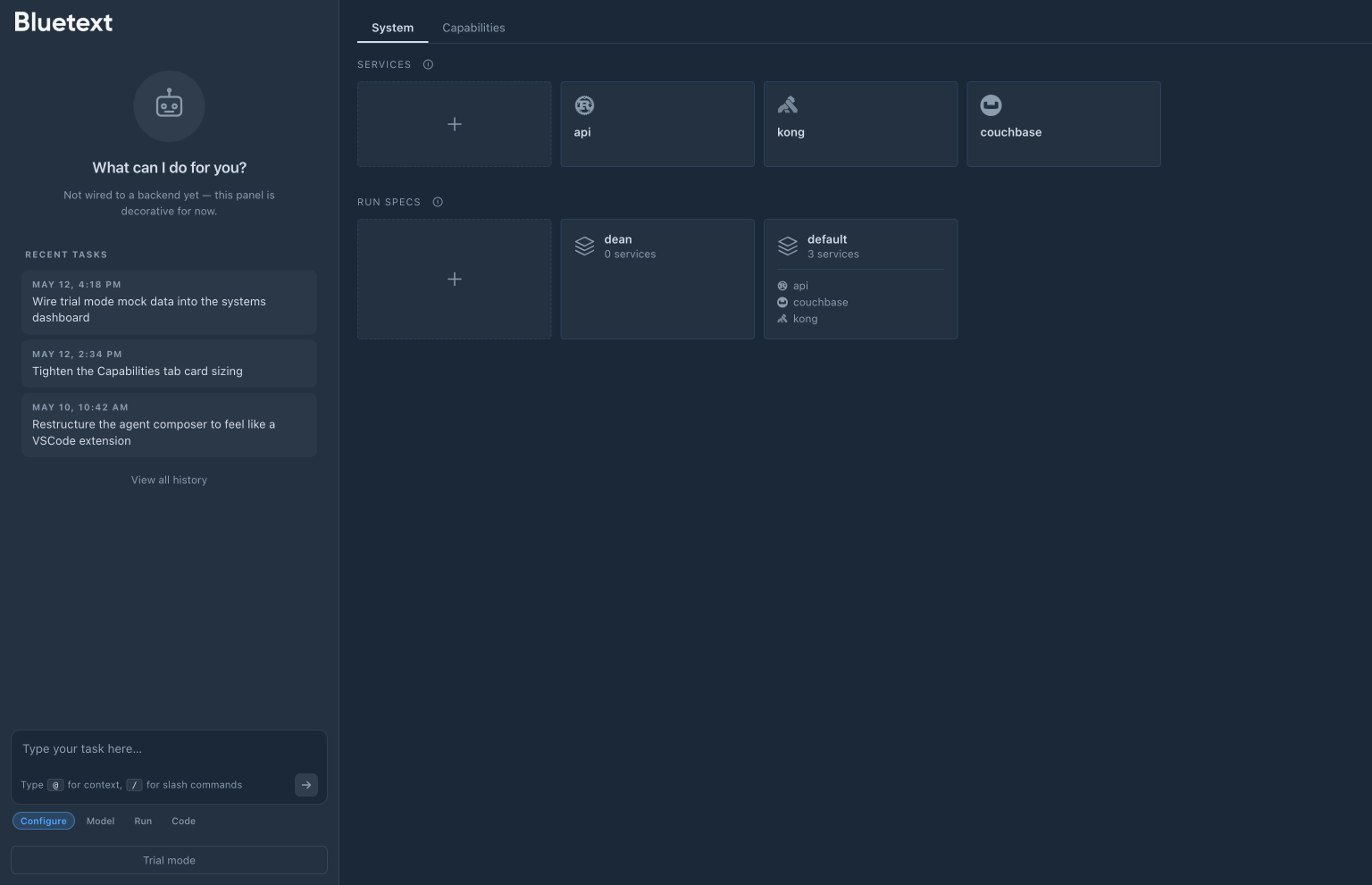
Also a VS Code extension.
A separate VS Code extension exposes Bluetext's MCP tools inside the editor for users who'd rather scaffold a service from where they're already working. Pick a template, set its values, run.
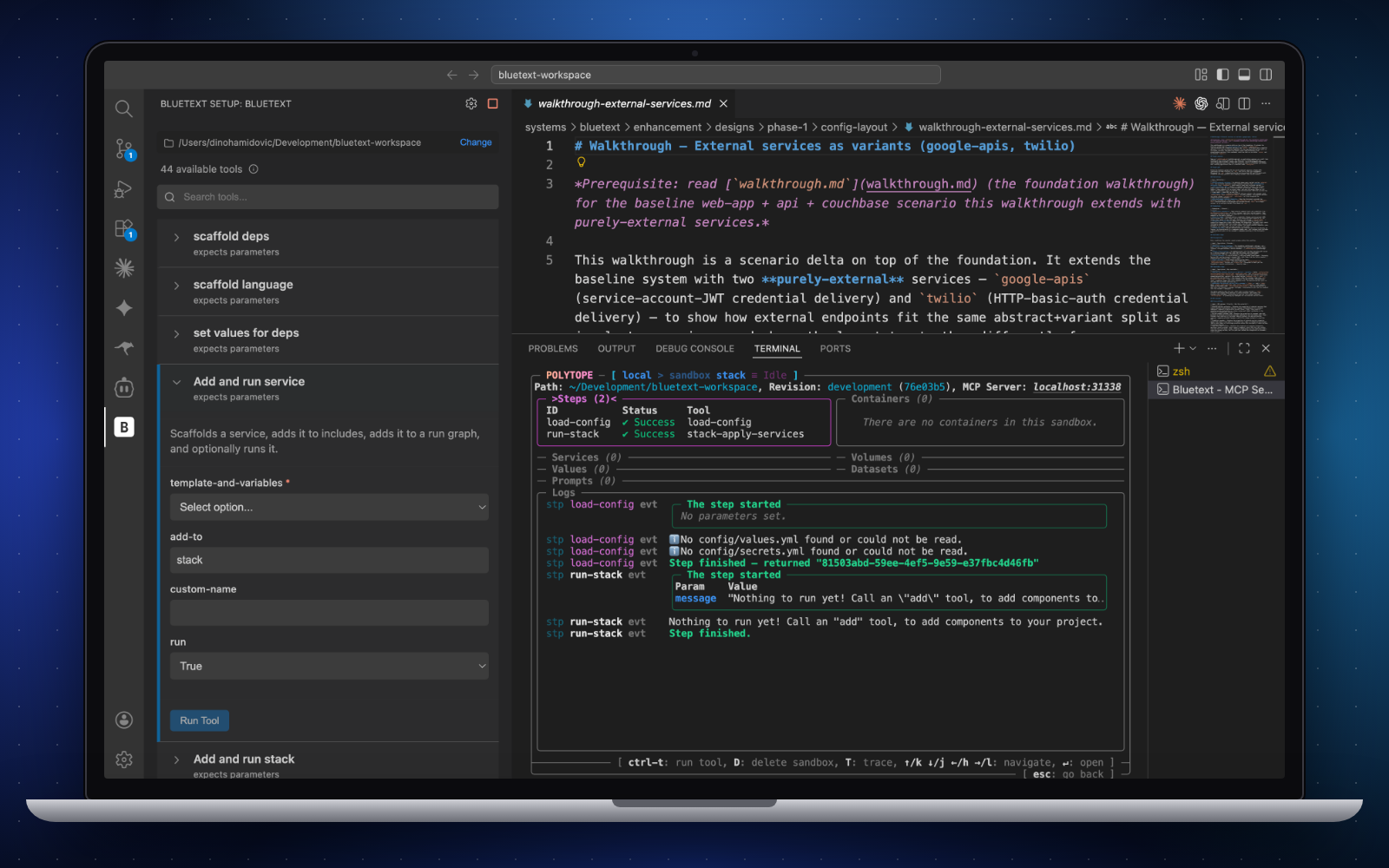
Also an educational platform.
The guardrails that make Bluetext safe for production AI work also make it a useful frame for teaching the principles those guardrails enforce.
Workshops
We run workshops on top of the platform, teaching teams about AI, templating, and the constraints that distinguish enterprise systems from consumer software: scale, regulation, security audits, and slow-moving integrations. Building enterprise software with AI requires those constraints to be enforced at every step. Bluetext is what keeps an AI agent's output aligned with them.
Hackathons
We issue Bluetext to teams at hackathons. They build, test, and present their solutions on the platform itself, so judges evaluate running systems rather than slide decks — and participants internalise the enterprise-readiness criteria by working inside them.
Bluetext Dev Machines.
Many workshop and lab participants come from locked-down enterprise environments where installing software locally isn't an option. To remove that blocker, we built Bluetext Dev Machines: Hetzner-hosted instances issued one per participant for the duration of a workshop or hackathon.
Each machine runs Bluetext in the browser, with direct preview of the apps each participant is building on top of it. No installs, no IT review, no environment setup. Open the URL we send and the workshop is ready to start.
It also opens the door to participants who otherwise couldn't take part — corporate dev laptops, school chromebooks, tablets. The friction that usually keeps half a workshop offline for the first hour is gone.
What I work on.
- Product
- Shaping the direction of the CLI, UI, and templates as one product.
- UI
- Design and implementation of the React + TypeScript control plane.
- Templates
- Building and maintaining the service and blueprint templates users start from.
- K8s
- k3d setup, cluster configuration, and the deploy pipeline.
- Workflow
- How users move from idea → spec → model → running system.
- Services
- Evaluating which third-party services to integrate (Couchbase, Curity, Kong, Resonate).
- Rust
- Contributing to the
bCLI and core crates. - Bugs
- Across the stack.